While there isn't a single official "white paper" titled "Allwinner FRP Tool," the technical landscape surrounding Factory Reset Protection (FRP) on Allwinner-based devices involves specific low-level hardware interactions and specialized software suites. Technical Fundamentals of Allwinner FRP Bypass
Allwinner devices (common in budget tablets and TV boxes) use a distinct architecture that allows for bypass methods often not available to other chipsets like Qualcomm or MediaTek.
FEL Mode (Recovery Protocol): This is a low-level USB programming mode built into the Allwinner Boot ROM (BROM). Unlike Android's standard Fastboot or Recovery modes, FEL mode is write-protected flash inside the chip, making it nearly impossible to "brick" the device. Tools use FEL mode to read and write directly to the device's memory to clear the FRP partition.
The persistent partition: FRP status is typically stored in a dedicated partition (often named frp or config). Bypass tools work by identifying the memory offset of this partition and sending a "wipe" or "format" command while the device is in FEL mode. Leading Software Suites
Several professional-grade "dongle" and software tools are used to automate these low-level commands: allwinner frp tool
EFT Pro Tool: A widely used solution for newer Allwinner chipsets like the A523. It utilizes a "loader" system where the software selects a compatible bootloader to gain high-level access to the device partitions without needing the Google account credentials.
Hydra Tool: Known for one-click FRP removal, this tool supports a vast range of Allwinner models by executing low-level resets and "Read/Write FRM" functions.
Sunxi-tools (Open Source): For advanced technical users, the sunxi-fel command-line tool allows for manual interaction with Allwinner SoCs. It can be used to execute code in RAM, which can be leveraged to manually bypass security checks. Common Hardware Trigger Methods
To use these tools, the device must be forced into FEL mode, which usually involves specific physical interactions: While there isn't a single official "white paper"
Volume Key Combinations: Holding "Volume Down" while connecting the USB and repeatedly tapping the "Power" button.
Shorting Test Points: On some boards, users must physically short a specific resistor to ground to force the BROM to enter FEL mode.
USB Drivers: Successful connection requires the installation of specific Allwinner USB drivers (often ~8MB) to ensure the PC recognizes the device as a USB slave. Security Evolution
Recent updates (Android 14/15) have made these bypasses more difficult. Google has implemented changes where bypassing the initial setup wizard no longer automatically deactivates FRP. Consequently, modern Allwinner tools now focus more on loader-based exploits that target vulnerabilities in the chipset's boot sequence rather than simple OS-level bypasses. Title: How to Use Allwinner FRP Tool –
Here’s a ready-to-post guide for using the Allwinner FRP Tool to bypass Google FRP on supported Allwinner devices. You can copy and paste this to a forum, blog, or social platform.
Title: How to Use Allwinner FRP Tool – Remove FRP on Allwinner Devices (Step by Step)
Post:
If you’re working on an Allwinner-based tablet or box (e.g., DragonTouch, Onda, Chuwi, some Chinese brands), you may run into the Google FRP lock. Here’s a working method using the Allwinner FRP Tool.
Using the Allwinner FRP tool is not without risk. It requires a level of technical competency that the average user lacks. Incorrectly identifying the test points can short-circuit the motherboard. Furthermore, the tool interacts with the device at a bootloader level; an interruption during the process (e.g., a power failure or USB disconnect) can corrupt the bootloader, resulting in a "hard brick" that requires a full firmware reflash via more complex tools. Additionally, the tool is processor-specific; an Allwinner A-series chip (e.g., A133) requires a different protocol than an H-series (e.g., H616), and using the wrong version can cause malfunctions.
| Issue | Solution | | :--- | :--- | | Device not detected | Re-install Allwinner USB Drivers; try a different USB port or cable. | | Stuck at "Waiting for device" | Ensure the device is actually in FEL mode (often indicated by a Windows sound notification or a generic "Device" in Device Manager). | | Tool crashes | Run as Administrator; check for Windows compatibility issues. | | Bypass failed | The device firmware might have a patched security level; look for an updated version of the tool. |
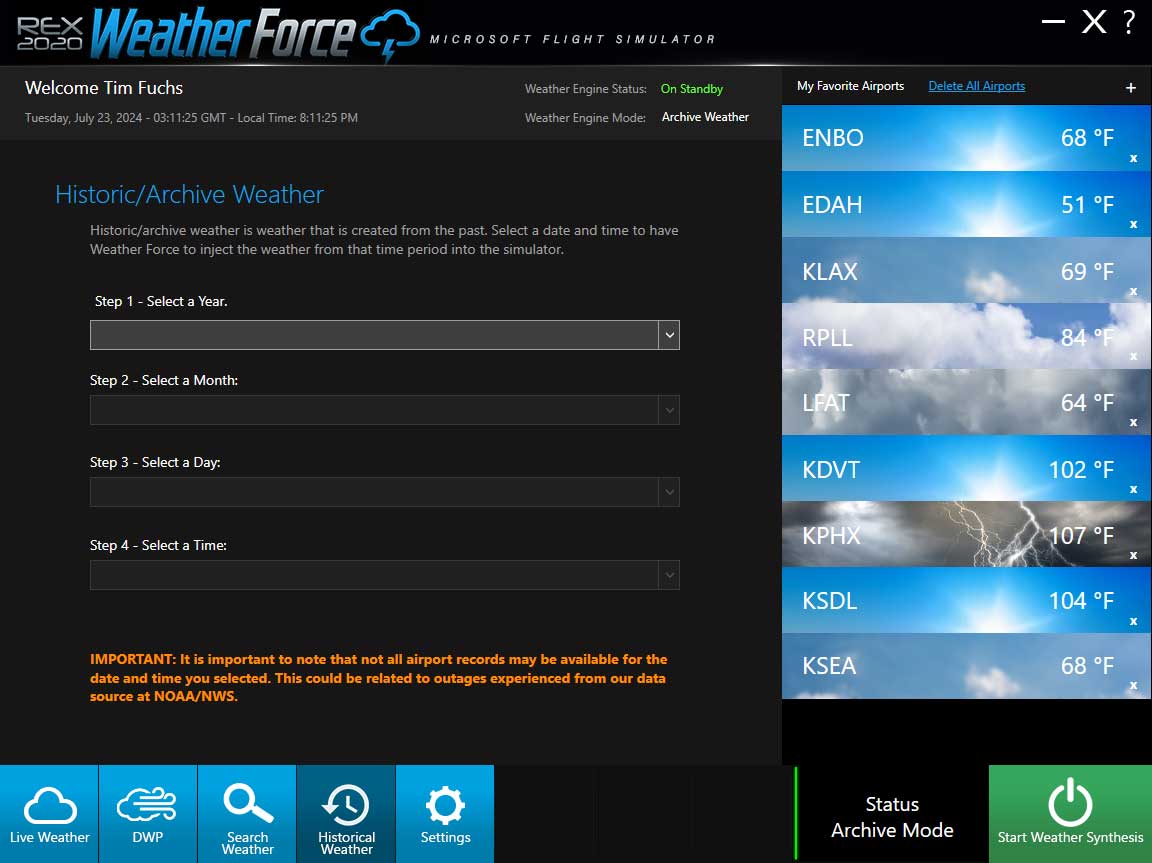
The Weather Force historic data offers a comprehensive archive of weather data spanning five years, accessible by date and hour for locations worldwide. This extensive database allows users to search weather conditions for a specific airport location or based on particular parameters such as weather condition, visibility, clouds, or winds for any chosen date and time. This data can be seamlessly injected into the simulator, providing a transformed weather experience for the selected date and time.
METAR data updates six times hourly from NOAA, providing precise details within a 1/8-mile radius. Weather Force integrates METAR and model data using advanced algorithms, extending coverage to remote areas like deserts and oceans. The GFS Model, updated twice daily by NCEP, supplies crucial upper-level temperature and wind conditions.
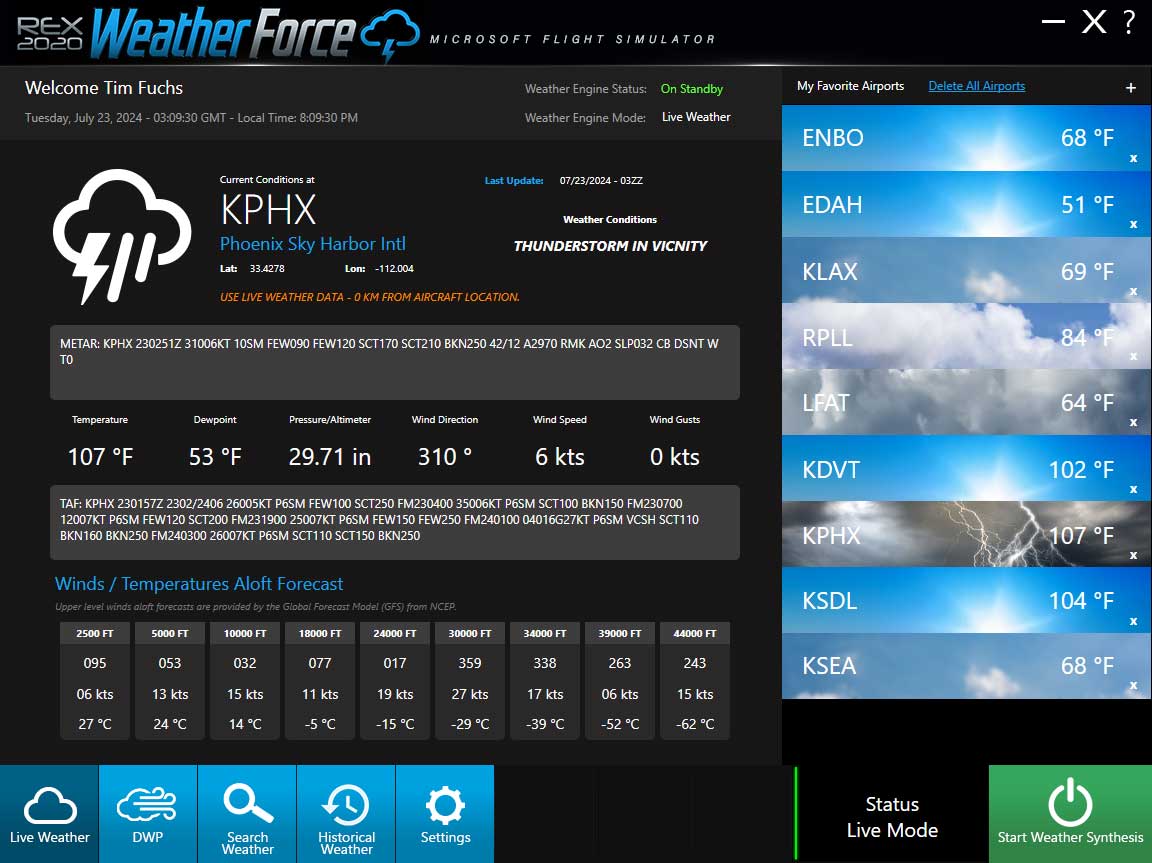
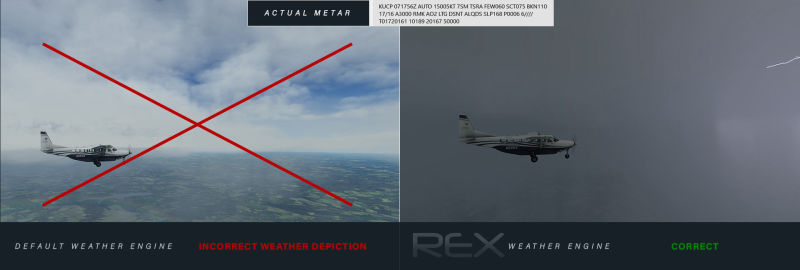
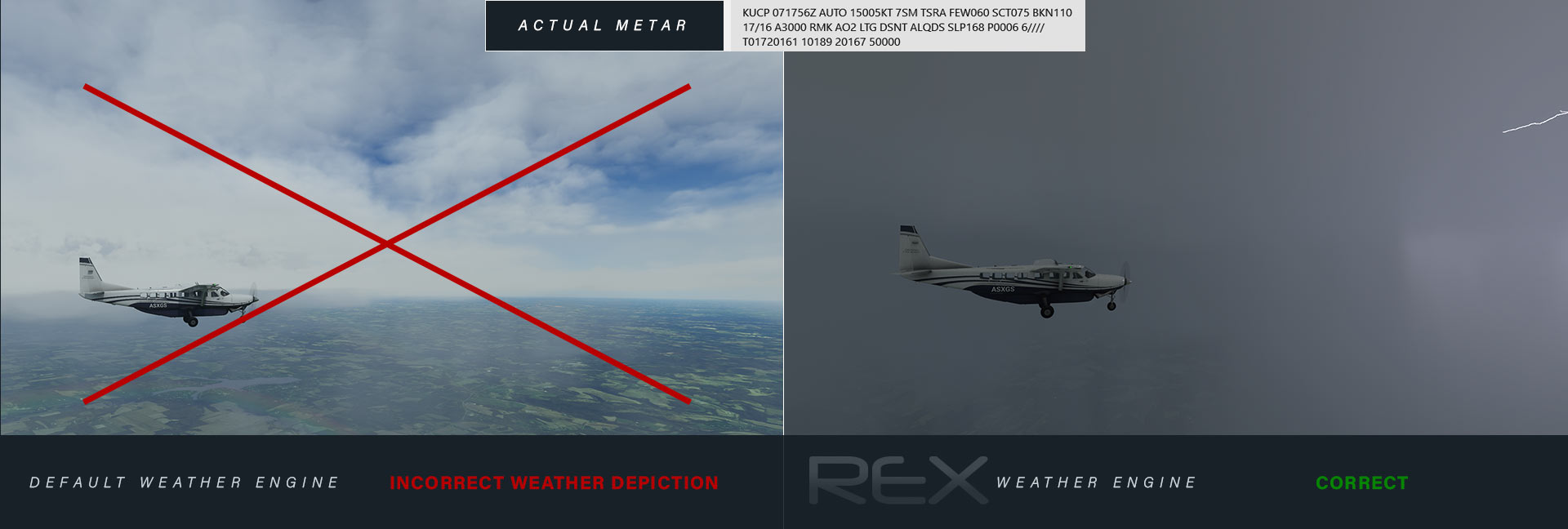
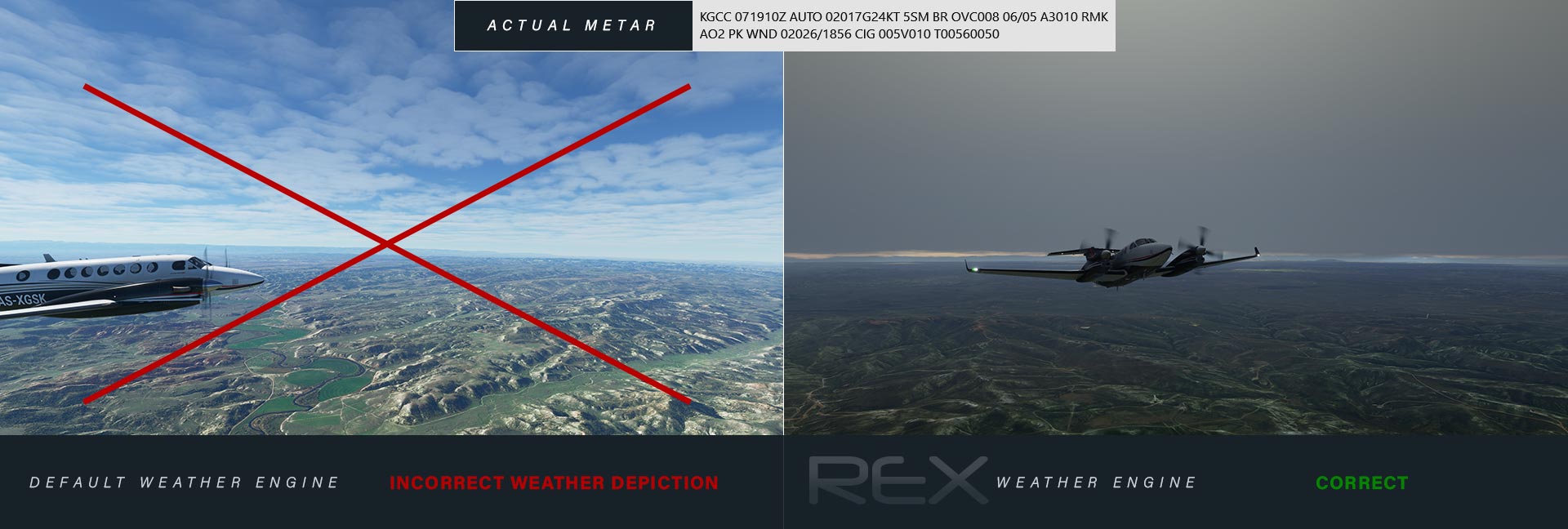
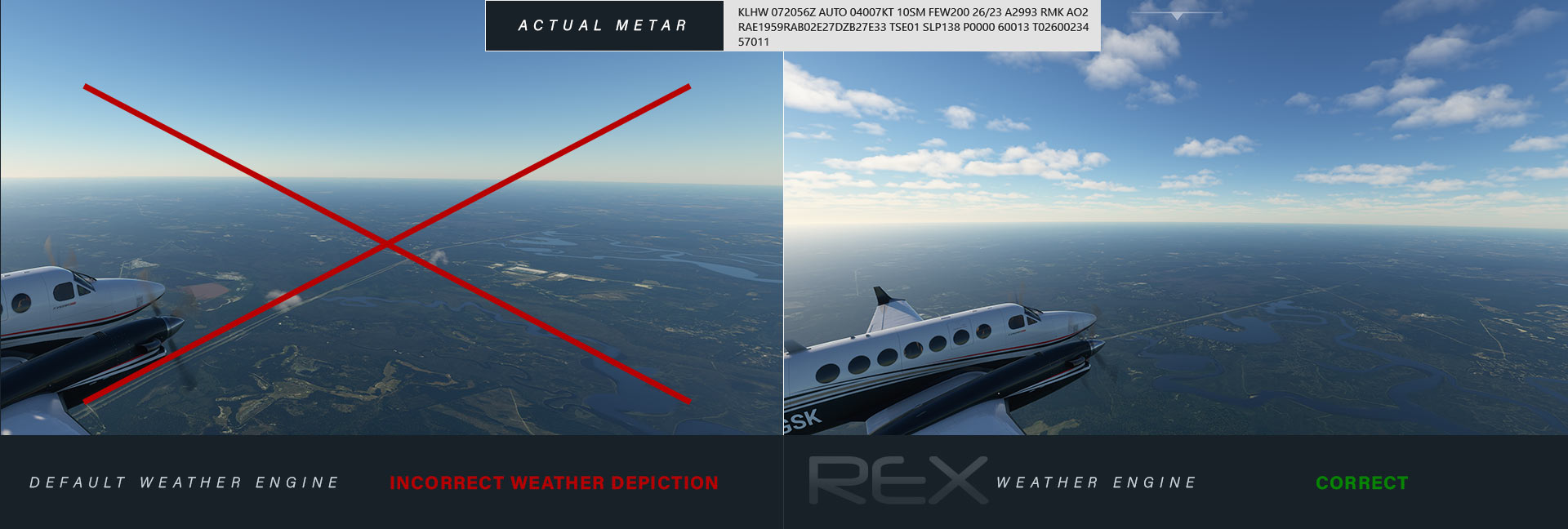
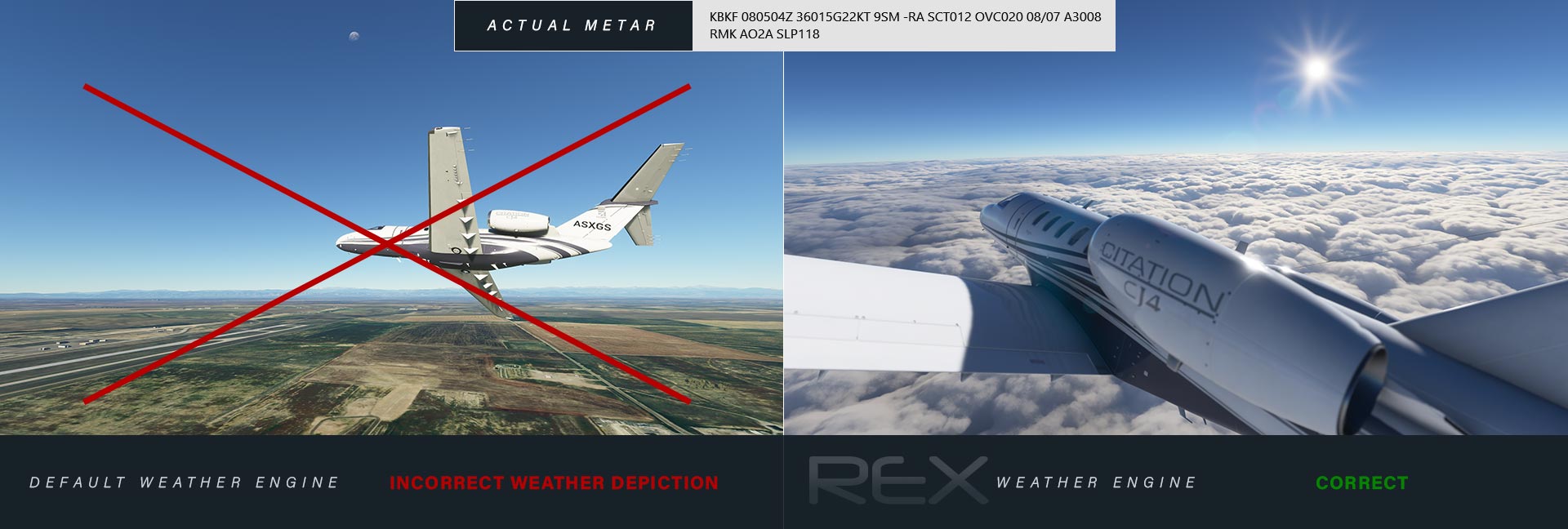
Weather Force's advanced technology utilizes live METAR reports to accurately simulate nearby storms by parsing remarks. Even when automated METAR reports show clear conditions, our system can generate storms near the reporting station, faithfully replicating real-world scenarios.
A brief time-lapse showcasing snow buildup while utilizing the REX Weather Force weather engine within Microsoft Flight Simulator.
A time-lapse showing REX Weather Force conditions near Hurricane Zeta's eyewall at KBHM Birmingham Shuttlesworth International Airport in Microsoft Flight Simulator.
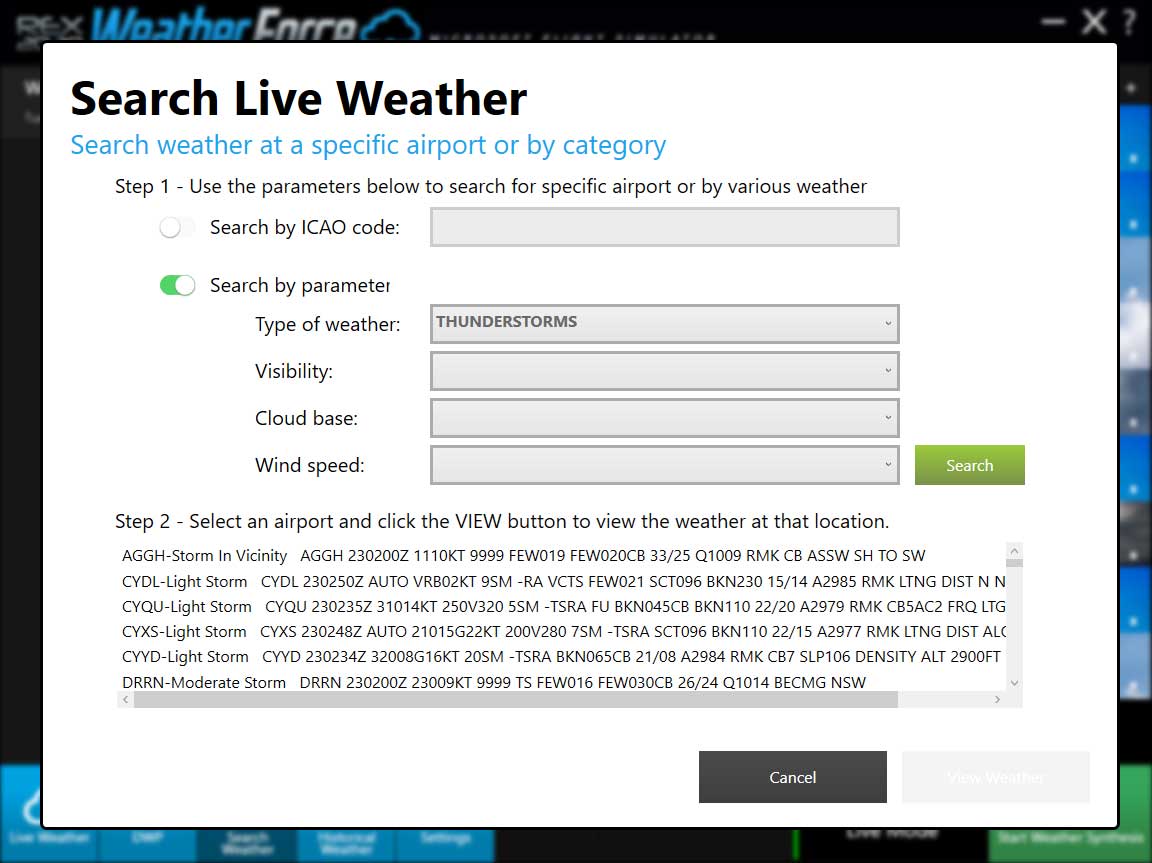
Weather Force offers a user-friendly weather search feature to meet your needs, whether you're checking specific weather conditions or planning your departure from a particular airport. Simply input your choice, airport or weather criteria, and get ready to go!
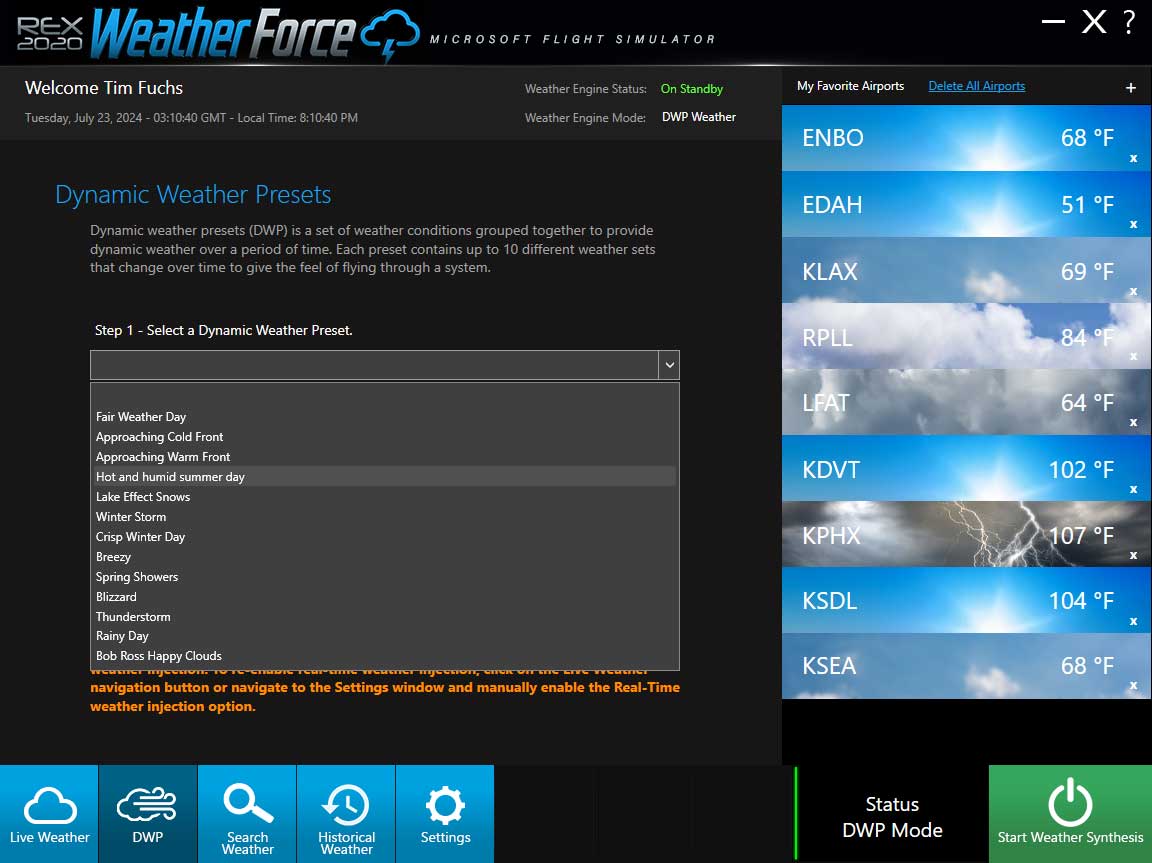
Experience dynamic, evolving weather with Weather Force's exclusive presets, enhancing your flight simulation with a variety of weather elements. Examples of included presets: Fair weather, approaching cold front, approaching warm front, hot and humid summer, lake effect snows, winter storm, crisp winter, breezy, spring showers, blizzard, thunderstorm, rainy day, and Bob Ross Happy Clouds.
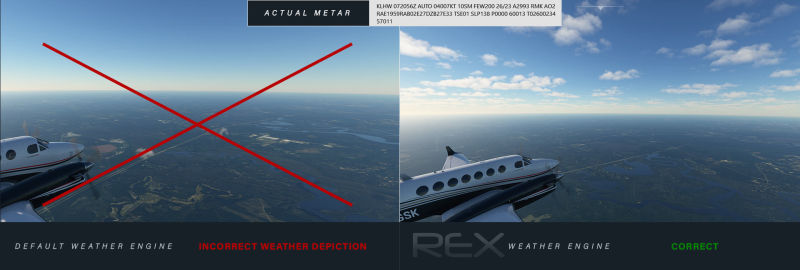
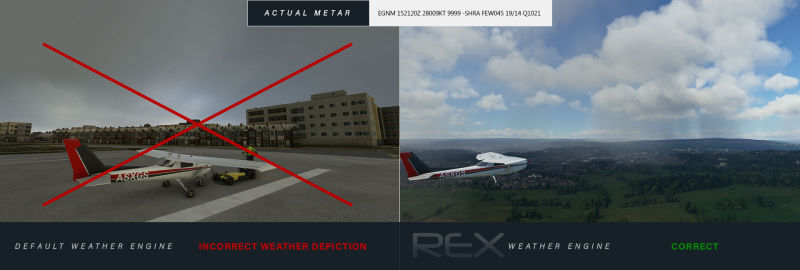
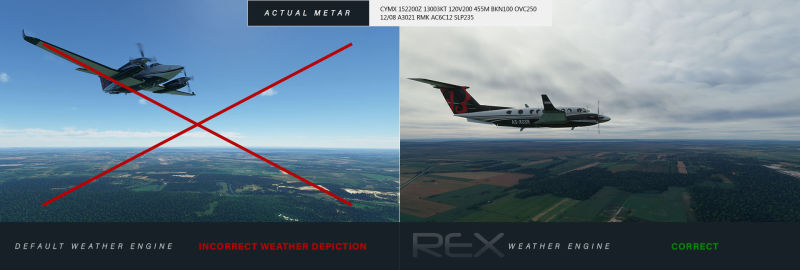
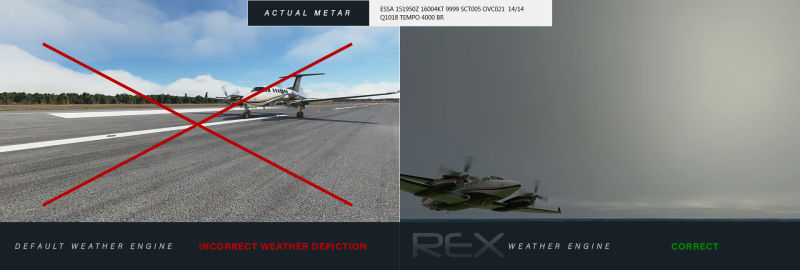
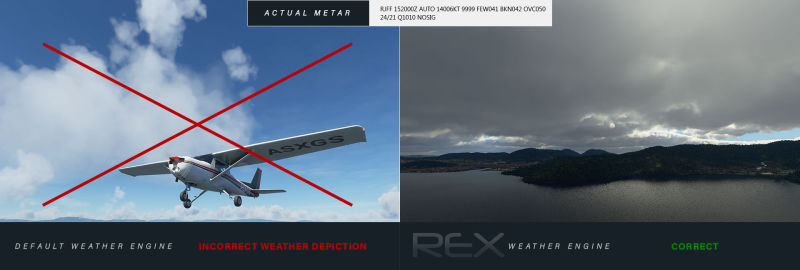
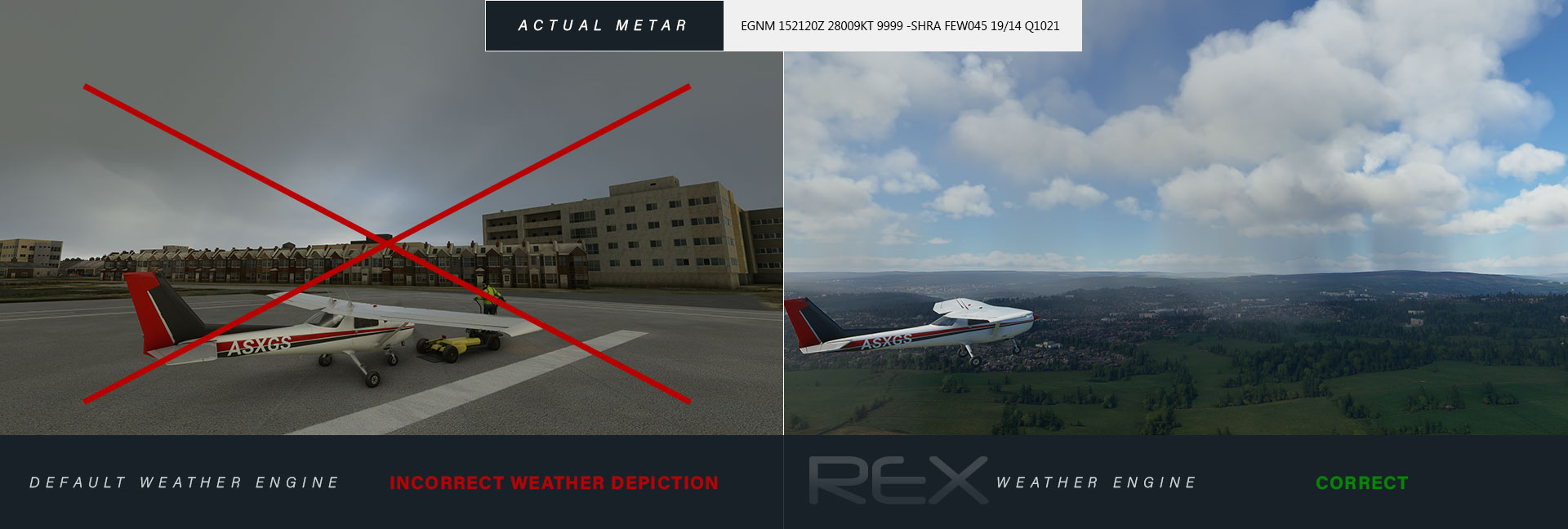
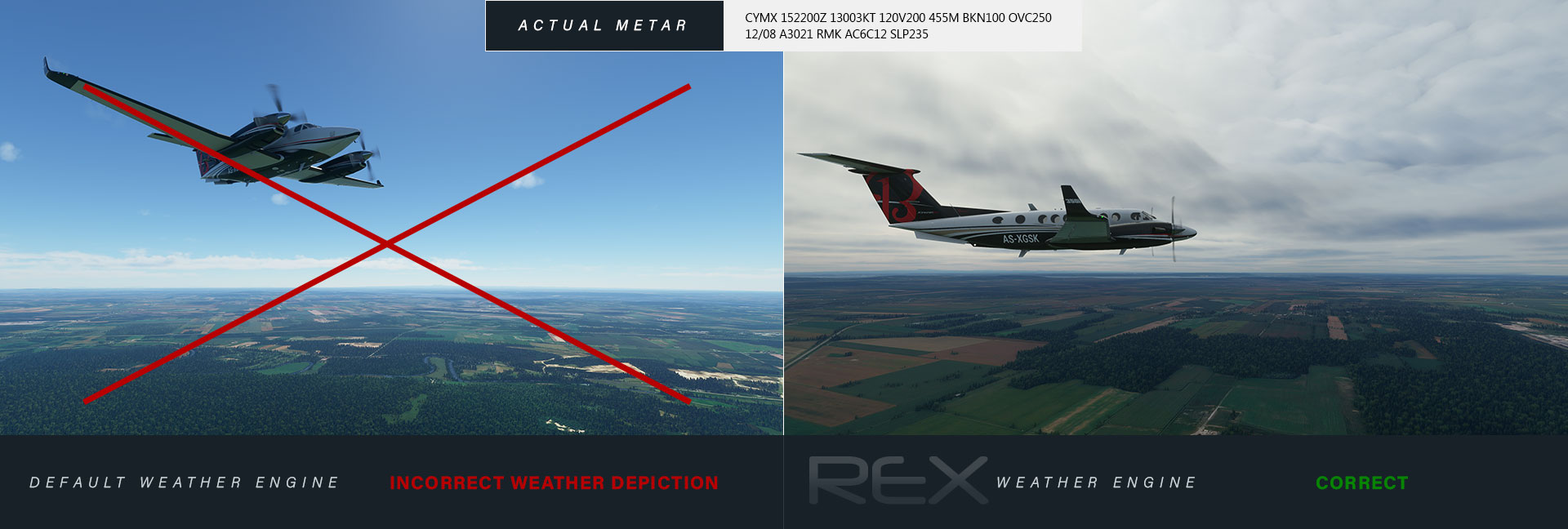
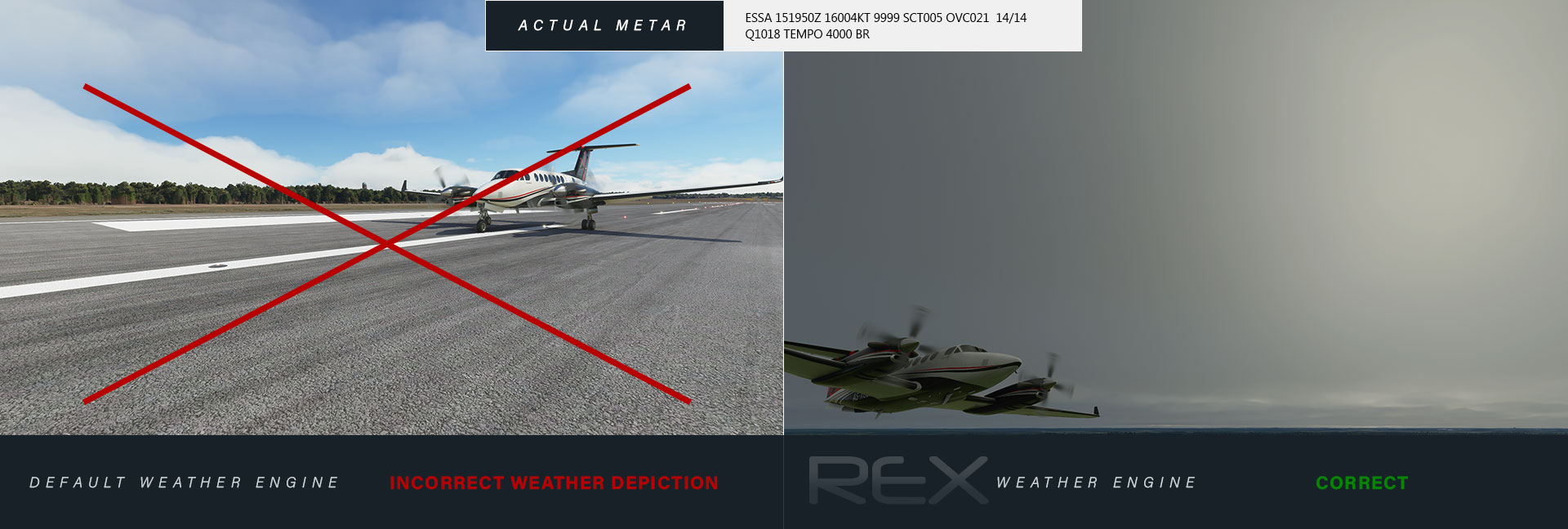
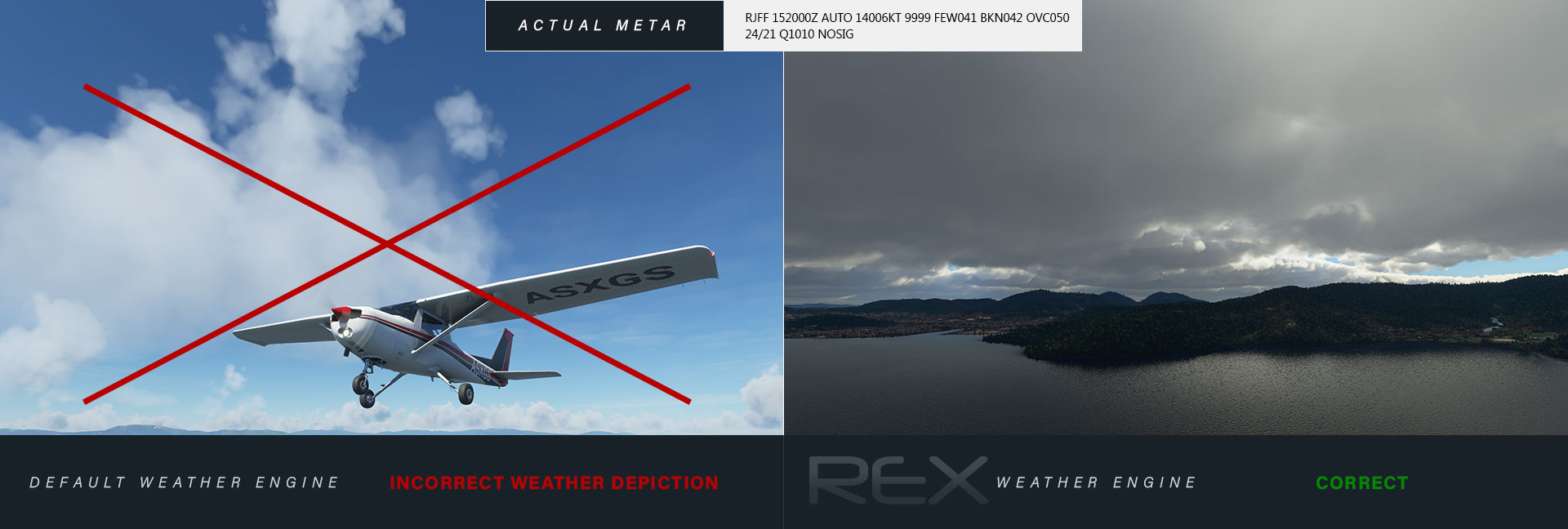
Microsoft Flight Simulator provides a strong foundation for weather simulation, but Weather Force takes it to the next level by offering a more comprehensive and immersive weather environment. Accurate weather rendering while remaining faithful to real-world METAR data.

Seamless weather transitions with Weather Force's smoothing mechanism that gradually blends weather updates over time. Plus, you have complete control over weather update factors and transition speed to customize your simulation experience.

Hear from actual customers yourself and discover how Weather Force has revolutionized user experiences globally!
Click to view larger
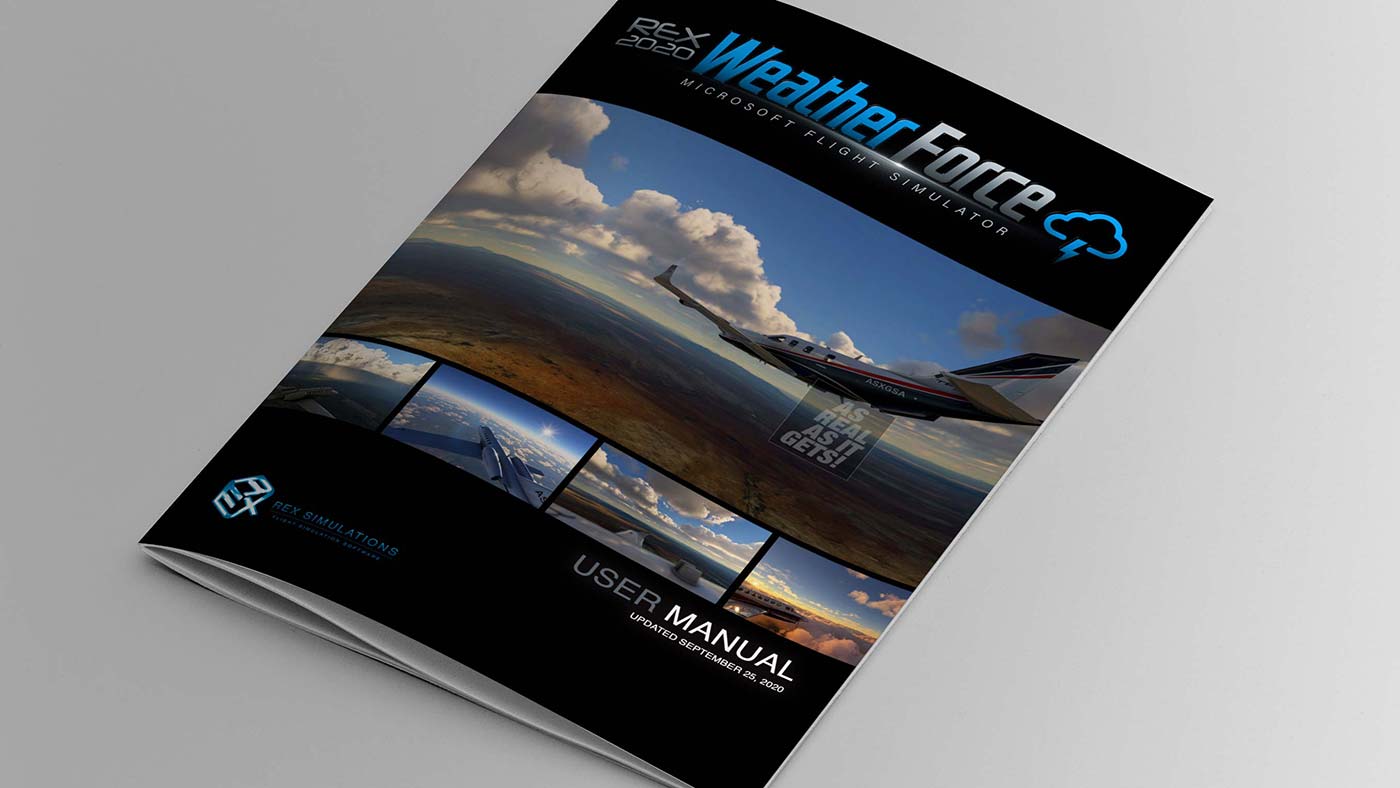
Looking to enhance your experience with the Weather Force? We've got you covered with our comprehensive Installation & User Guide. This guide is designed to help you get the most out of your new software by providing detailed instructions and useful tips.